Every few years, a new buzzword emerges in software development circles. Recently, one such term is Vibe Coding. It sounds cool, almost like developers are jamming together in a garage band rather than writing code. But is it just hype, or does it genuinely add business value? Let’s break this down in simple terms so even non-technical but IT-associated professionals can understand what this means and why it matters.
Let’s get to it
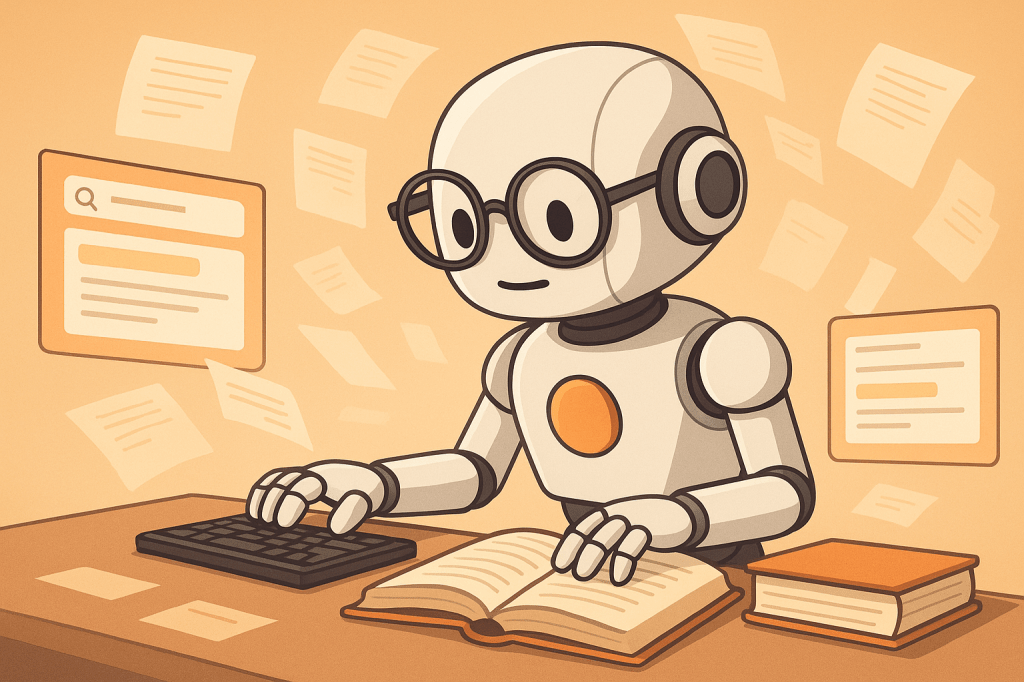
Imagine coding not as a lone activity where developers stare at screens for hours, but more like a live conversation with the system. That’s what Vibe Coding is about. It’s a modern approach where developers write code while continuously interacting with AI-powered assistants, real-time feedback tools, and collaborative environments. Think of it as Spotify “vibes” meeting VS Code – the developer is in sync with the system, and the system nudges back with suggestions, fixes, and optimizations on the fly.
For example: Traditionally, if a developer wanted to add a new login feature, they would write the code, compile, run, and test – back and forth until it worked. With Vibe Coding, the system suggests snippets instantly, highlights mistakes before you even press “Run,” and sometimes even generates the first draft of the login function. The developer spends less time on syntax errors and boilerplate, and more time thinking about how the feature fits the business needs.
In other words, Vibe Coding brings flow into software creation. Instead of stop-start-stop cycles, it creates a smoother rhythm that feels more natural, reducing cognitive fatigue and speeding up delivery.
How it helps
So, does this actually help businesses, or is it just another shiny new thing? Let’s weigh it against traditional coding.
Pros of Vibe Coding:
- Speed: Faster prototyping since AI assists with boilerplate code.
- Reduced errors: Mistakes are flagged early, reducing costly debugging later.
- Collaboration: Teams can co-create in real time, even remotely.
- Focus on business logic: Developers spend less time fixing syntax and more time aligning with business needs.
Cons of Vibe Coding:
- Over-reliance on AI: Developers may lose touch with fundamentals if they depend too much on machine suggestions.
- Learning curve: Teams need time to adopt new tools and workflows.
- Security risks: Auto-generated code may introduce vulnerabilities if not properly reviewed.
Observed Benefits: Companies experimenting with vibe-like coding environments (e.g., GitHub Copilot, Replit Ghostwriter, Amazon CodeWhisperer) have reported 20–40% faster development cycles, especially in repetitive or boilerplate-heavy tasks. However, leaders caution that quality review processes are still essential.
Traditional Coding Pitfalls Today:
- Too much time spent on repetitive tasks (e.g., setting up authentication, APIs).
- Debugging cycles consume up to 30–40% of development time.
- Knowledge silos grow when only a few team members understand specific code areas.
In essence
- Vibe Coding = coding with real-time AI-powered feedback, suggestions, and smoother collaboration.
- It reduces friction in the coding process and helps teams focus on business logic.
- Pros: speed, fewer errors, better collaboration. Cons: over-reliance, security risks, adoption challenges.
- Example: A login module that might take 4 hours traditionally can be prototyped in 1–1.5 hours with Vibe Coding tools, though review and security checks still add time.
Final Thoughts
At the end of the day, Vibe Coding is not about replacing developers – it’s about making them more effective, more collaborative, and less bogged down by drudgery. The “vibe” is real: when developers are in flow, businesses benefit too.
“Code with vibes, not just keystrokes – because productivity isn’t about typing faster, it’s about thinking smarter.”




 Muses of a Reticent Techie